
WowShots vs AppLaunchpad
Compare the manual design workflow in AppLaunchpad with WowShots' AI-assisted approach to turning app context and source screens into store screenshot concepts.
Why teams compare AppLaunchpad with WowShots AI
Zero Template Lock-in
WowShots uses generated layouts, backgrounds, and device framing to give teams another approach alongside template-based editing.
AI-Generated Marketing Hooks
The workflow can suggest headlines and CTAs based on your target audience, giving you a copy direction to review alongside the visuals.
Full Customization with AI
Describe the look you want, and use the generated direction as a starting point for a minimal, colorful, or more expressive store treatment.
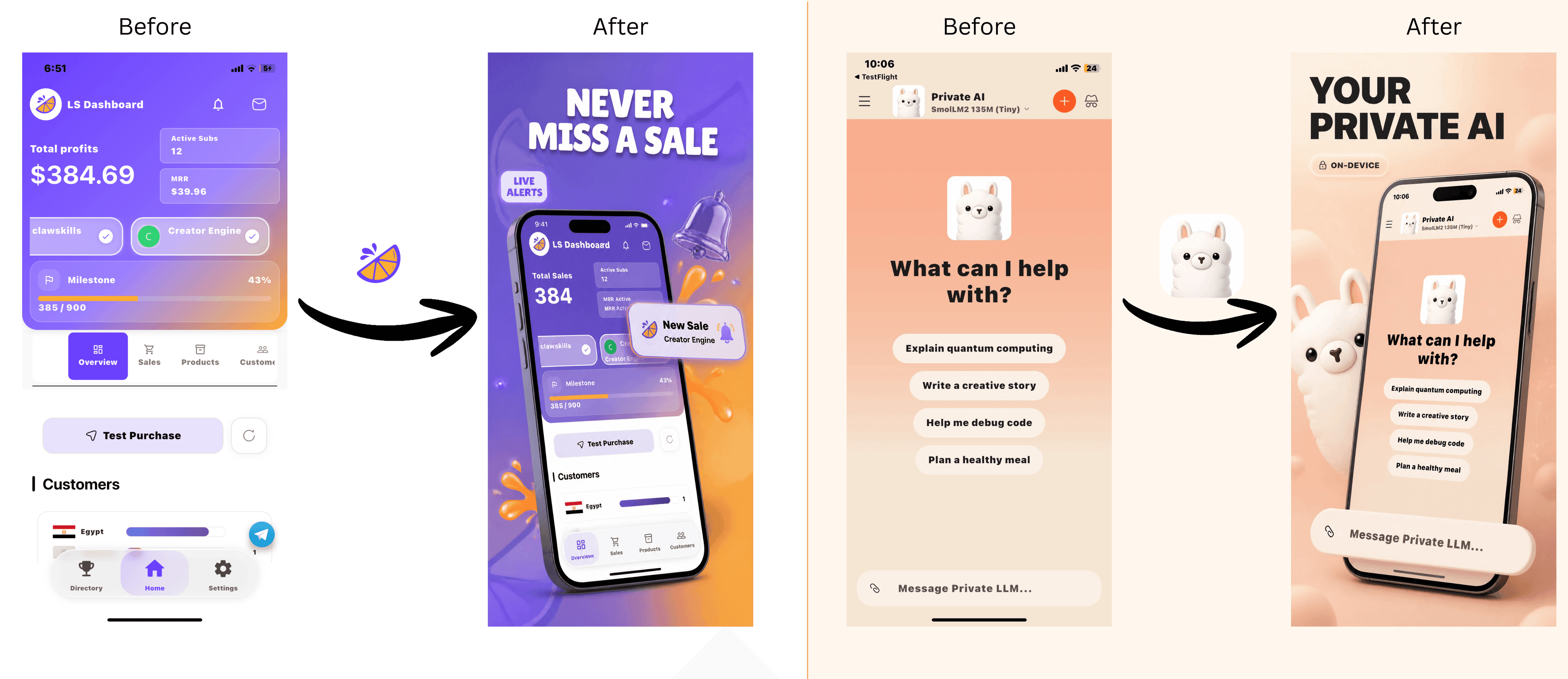
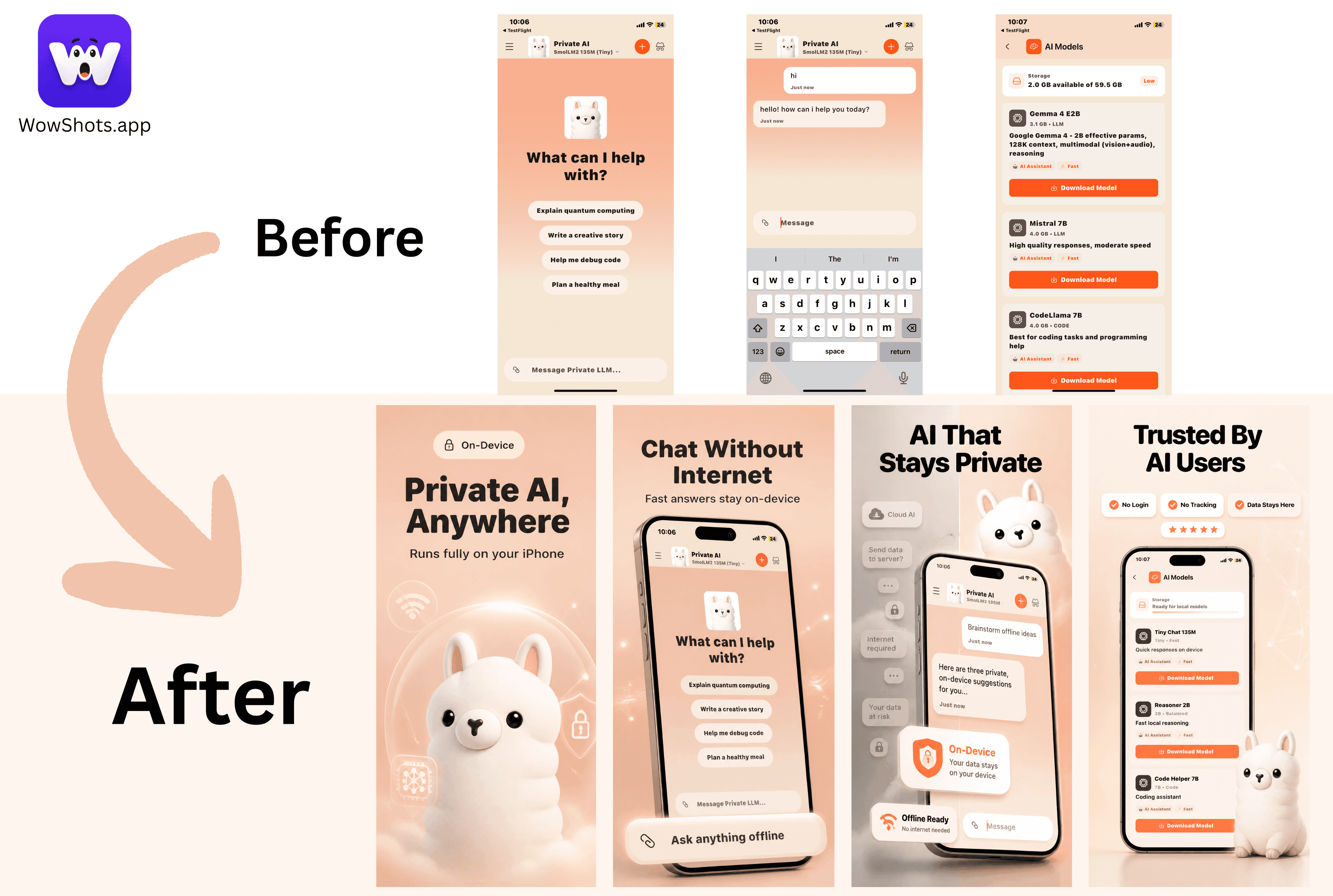
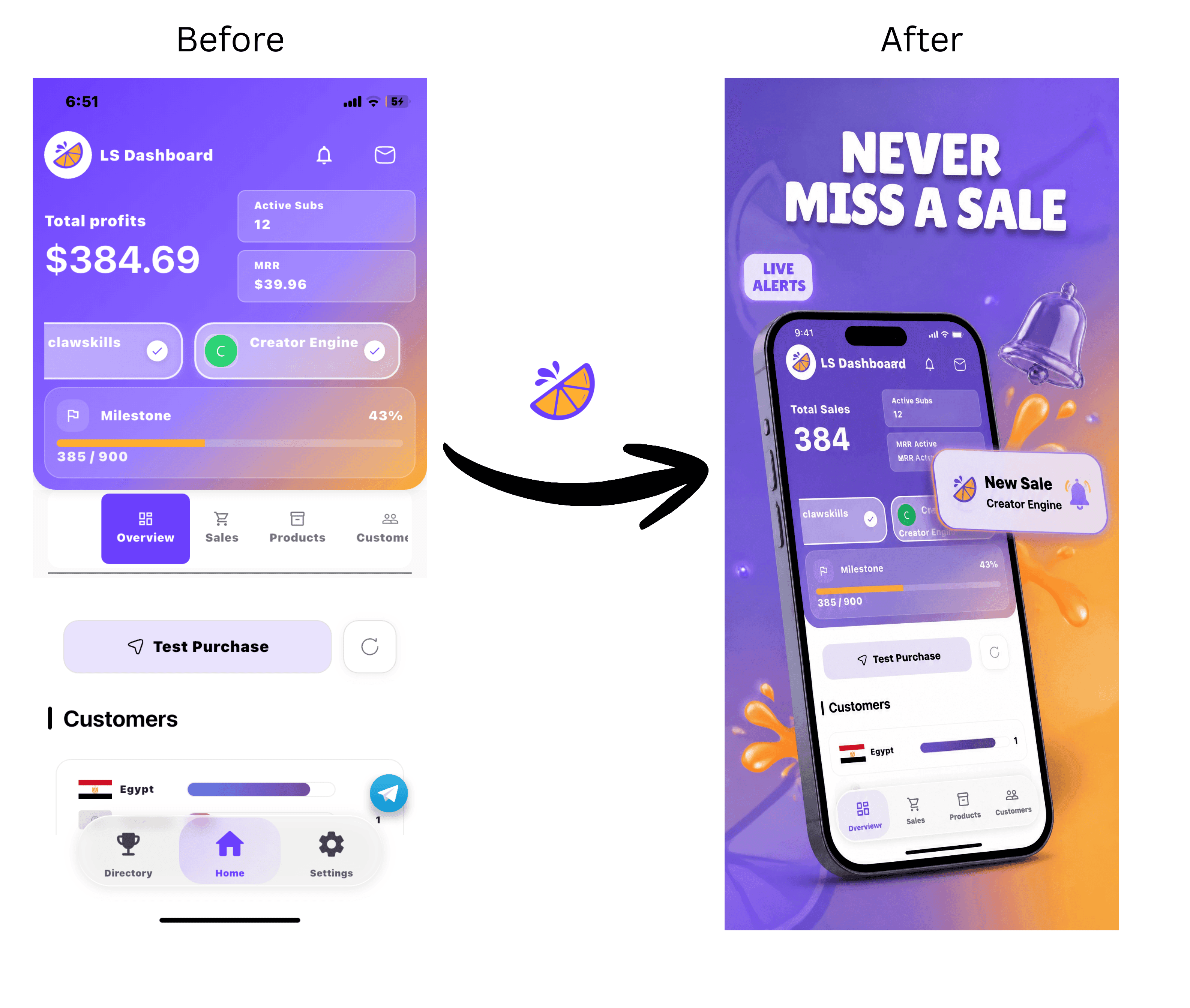
Your App Here
Start with your app context
Direct Comparison
See how WowShots stacks up against AppLaunchpad in detail.
Visit theapplaunchpad.com| Feature |  WowShots WowShots | |
|---|---|---|
Core TechnologyThe engine behind the design. | AI-assisted generation | Template-based workflow |
Automation LevelHow much of the work is automated. | Guided first draft | Template-assisted editing |
CopywritingGenerating conversion-focused text. | AI-assisted benefit-led copy | Manual copy workflow |
Layout VarietyFreedom from rigid designs. | Generated layout directions | Template styles |
LocalizationMulti-language support. | ||
Pricing ModelStarting price for Pro features. | $14.99–$89.99 (One-time Packages) | Check current vendor pricing |
Better for ASO
WowShots keeps App Store Optimization in the workflow by focusing on clear benefits, readable hierarchy, and a coherent screenshot sequence. Validate performance with your own store analytics.
Audience Focused
Tell us your target audience, and our AI will adapt the visual style and marketing hooks to resonate with them specifically.
Pay As You Go
Why pay monthly for a tool you use once a quarter? With WowShots, you only pay for the screenshots you actually generate.
Ready to experience the AI difference?
Try the workflow with your own app context and compare the result with your current screenshot process.
See the screenshot story
Explore examples of raw app screens turned into clearer, more polished store visuals.