App Store Screenshot Sizes: iOS & Android Guide
Use the current Apple and Google Play screenshot dimensions, file rules, and export checklist for iPhone, iPad, and Android listings.
Last reviewed: September 5, 2026.
Screenshot requirements change as new devices and store surfaces appear. Use the official references linked below as the source of truth, then use this page as a practical export checklist. A correct canvas does not guarantee approval or higher conversion: the screenshots still need to show the current product clearly and follow each store's content rules.
Quick reference
| Platform | Common working canvas | What to verify |
|---|---|---|
| App Store iPhone | 1320 × 2868, 1290 × 2796, or another accepted Apple target | Select the exact display target supported by your app and confirm it in App Store Connect |
| App Store iPad | 2064 × 2752 or 2048 × 2732 for large iPad targets | iPad screenshots are required when the app runs on iPad |
| Google Play phone | 1080 × 1920 portrait or 1920 × 1080 landscape | Keep the image within Google's min/max dimensions and use the real app UI |
iPhone App Store screenshot sizes
Apple accepts one to ten screenshots in JPEG, JPG, or PNG format, and the images cannot contain alpha channels or transparency. The accepted canvas depends on the display target, so do not treat one older iPhone size as a universal master.
The current Apple screenshot specifications list these common portrait and landscape targets:
| Display target | Portrait | Landscape |
|---|---|---|
| 6.9-inch | 1260 × 2736, 1290 × 2796, or 1320 × 2868 | Reverse the dimensions |
| 6.5-inch | 1284 × 2778 | 2778 × 1284 |
| 6.3-inch | 1179 × 2556 or 1206 × 2622 | Reverse the dimensions |
| 6.1-inch | 1170 × 2532, 1125 × 2436, or 1080 × 2340 | Reverse the dimensions |
| 5.5-inch | 1242 × 2208 | 2208 × 1242 |
Apple may use an accepted larger screenshot to scale down for compatible devices, but you should still verify the targets that App Store Connect requests for the app and platform version. Newer devices can introduce additional accepted canvases.
iPad App Store screenshot sizes
If the app runs on iPad, Apple lists iPad screenshot targets as required. Common large targets include:
| Display target | Portrait | Landscape |
|---|---|---|
| 13-inch | 2064 × 2752 or 2048 × 2732 | Reverse the dimensions |
| 11-inch | 1488 × 2266, 1668 × 2420, 1668 × 2388, or 1640 × 2360 | Reverse the dimensions |
For the full device matrix and legacy targets, use Apple's complete screenshot reference.
Google Play screenshot sizes and rules
Google Play is more flexible than the App Store, but the image still needs to represent the current in-app experience. Google's preview asset guidance says:
- A store listing needs at least two screenshots across device types to publish.
- JPEG or 24-bit PNG is accepted; keep the minimum dimension at 320 px and the maximum dimension at 3840 px.
- The maximum dimension cannot be more than twice the minimum dimension.
- For large recommendation surfaces, apps should provide at least four screenshots at 1080 px or larger. Portrait assets should use 9:16 and landscape assets 16:9 for those surfaces.
- Screenshots should demonstrate the actual app experience. Avoid stretched UI, unrelated device imagery, and misleading promotional claims.
For a practical phone export, start with 1080 × 1920 portrait or 1920 × 1080 landscape, then check the final file against the current Play Console requirements for the device category.
Export and review checklist
- Start with the correct device family and orientation; do not stretch one canvas into every target.
- Export JPEG or PNG without an alpha channel where the store requires it.
- Keep the real product UI visible and make every text overlay readable at thumbnail size.
- Check the dimensions, file type, aspect ratio, and orientation before uploading.
- Review localized screenshots separately; translated headlines often need different line breaks and spacing.
- Recheck the official requirements before each major store submission.
How WowShots fits the workflow
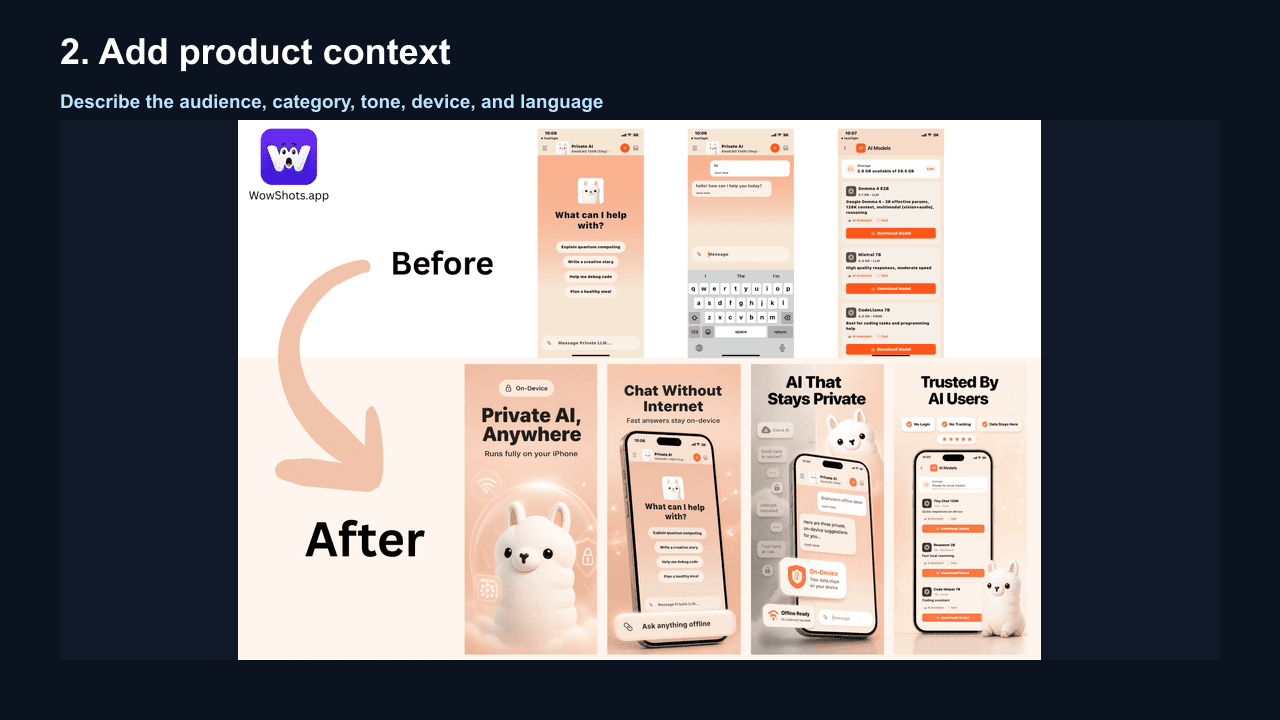
Use the App Screenshot Resizer when you already have a source image and need a local canvas adjustment. Use the AI App Screenshot Generator when you need a first draft of the screenshot sequence, benefit-led copy, and layout direction. In both cases, review the final assets against the current Apple or Google guidance before publishing.
Sources
Requirements are only one part of a strong listing. Pair the right canvas with a clear first-frame benefit, accurate UI, and a sequence that helps a visitor understand the app quickly. Create a screenshot set with WowShots →
Useful WowShots tools
Move from research to production with the tool that matches your next step.